
Claude Code and Codex sessions side by side
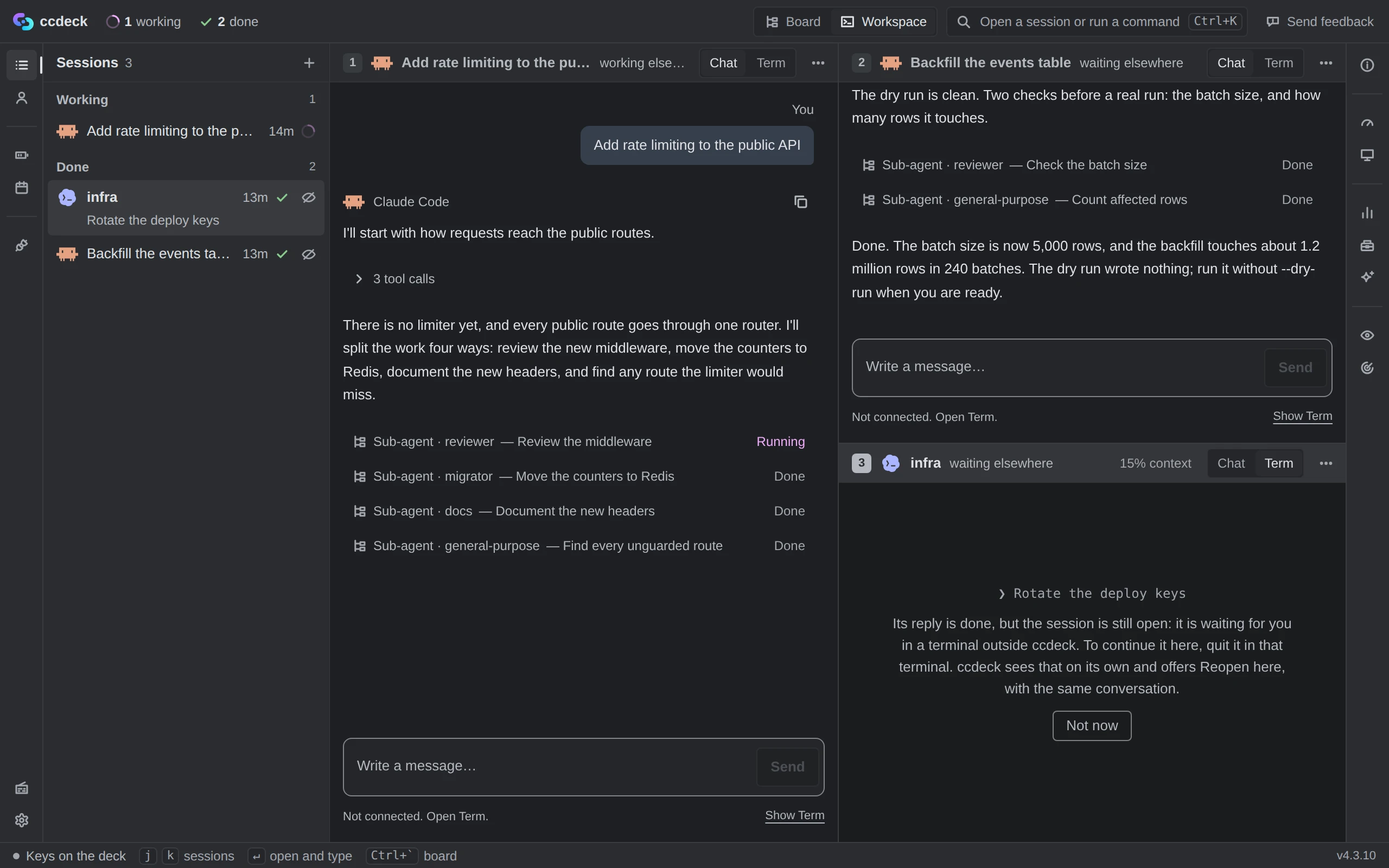
Click Workspace in the topbar, open a session from the Sessions list, and press Shift+Enter on another row or drag it onto a pane's edge: up to four sessions sit side by side, each in its own terminal pane.
You will
- Put up to four Claude Code or Codex sessions side by side
- Move the keys from one pane to another
- Rename a session where its name is shown
Before you start
- ccdeck 4.0.0 or later, with its terminal on. Claude Code and Codex in a terminal pane shows how one pane works.
- A window wider than a phone's: Workspace is not on a phone.
Steps
-
Open Workspace
Click Workspace in the topbar, or press Ctrl + ` (Ctrl on a Mac too). The same keys go back to the Board, even while a pane has the keys. This browser remembers the view you left.
Click a row in the Sessions list and its session opens in the pane. Enter on a row also puts the keys in it. A click on a card on the Board does the same. Hide from list, on a finished row, works here too.
On a window 1320 pixels or wider, the Inspector unfolds beside the session. Once you close it, picking another session in the Sessions list leaves it closed.
-
Open more sessions beside it
Press Shift + Enter on another row: that session opens beside the pane with the keys, or below it if that pane is taller than it is wide. Do it again for a third and a fourth. Four is the most; a fifth opens in the pane you were in, and the session there keeps running.
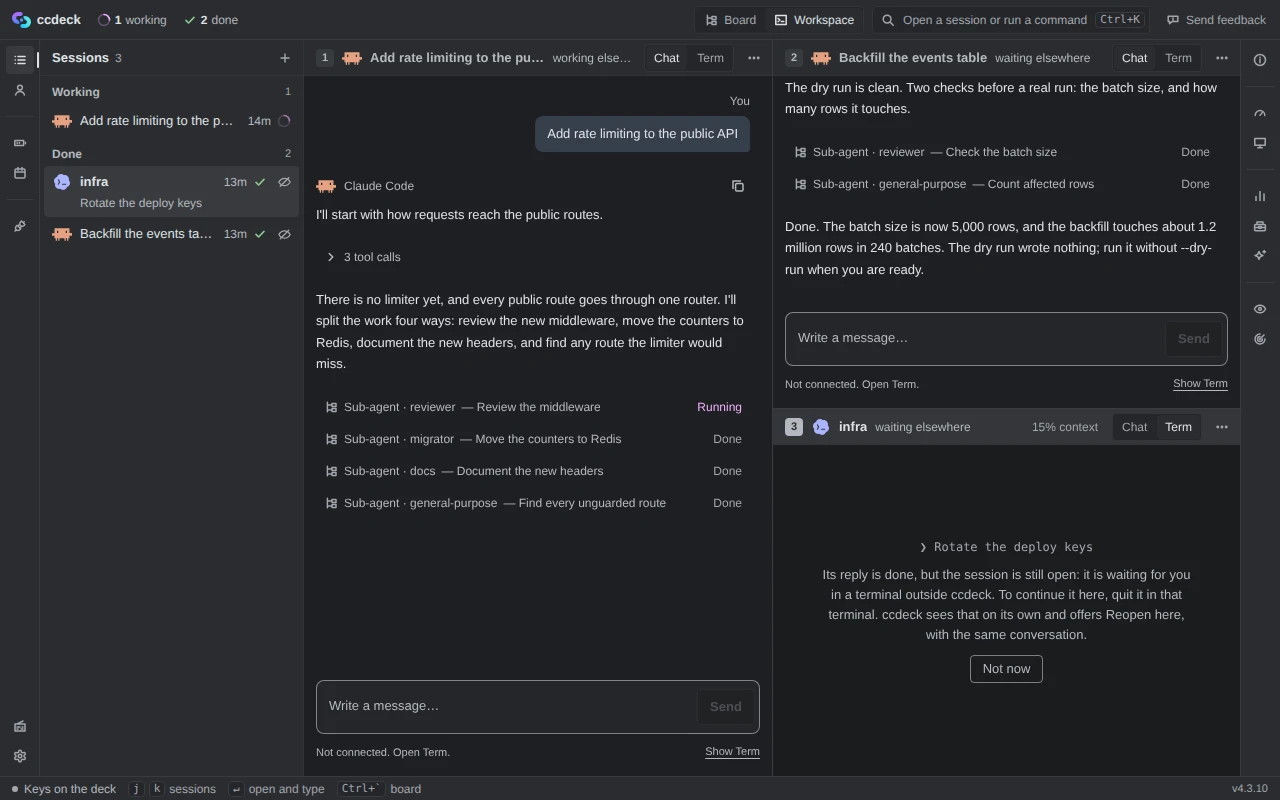 Open the full-size picture
Demo data Each pane has its number and its own header; the Claude Code panes are on Chat. That these sessions run in terminals outside ccdeck was supplied to the page for this picture. -
Or drag a session onto a pane
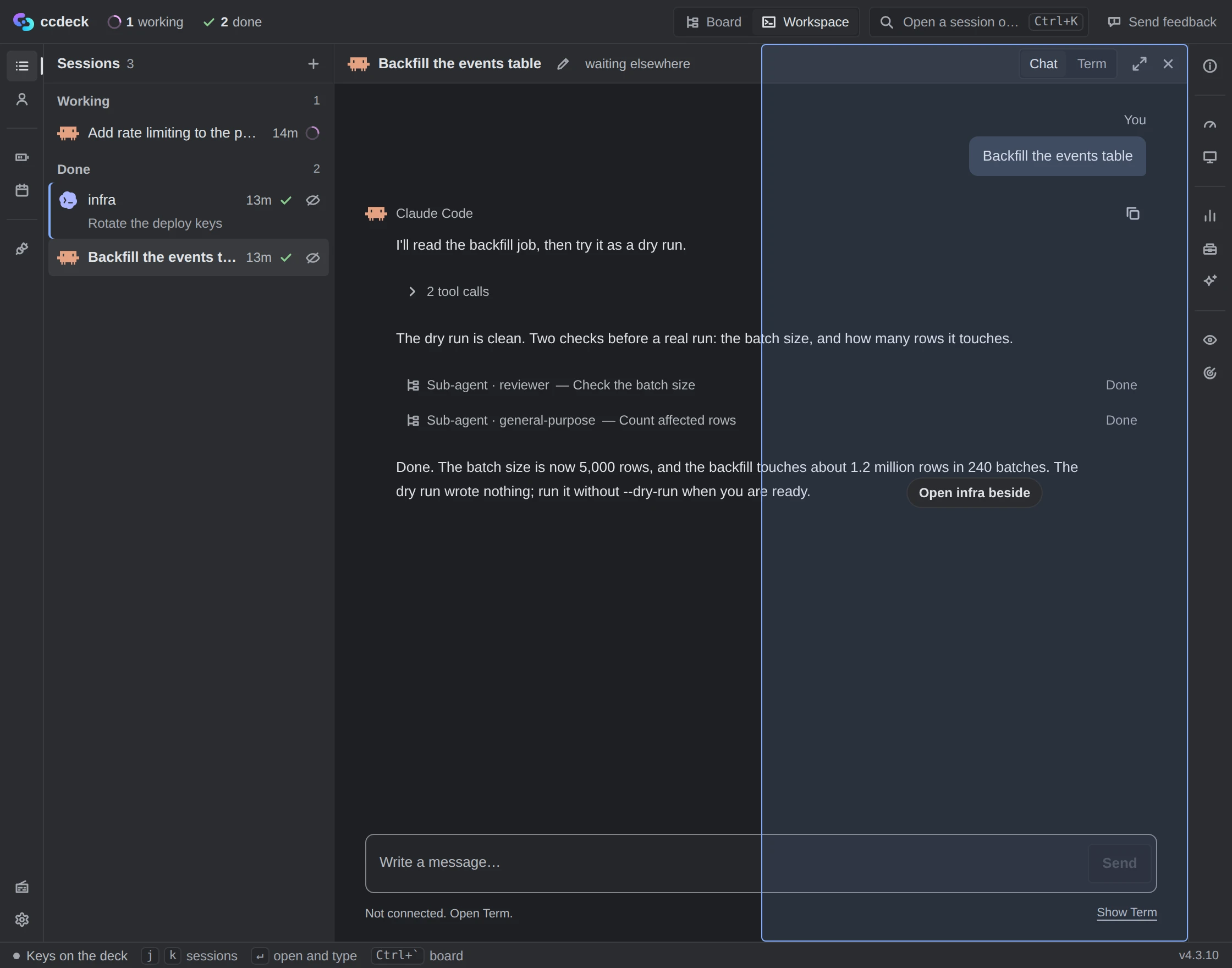
Drag a row from the Sessions list onto a pane. Near an edge, the session opens beside, above or below that pane; in the middle, it takes the pane's place. A label says which before you let go.
Drag a pane by its header to move it to another pane's edge, or onto its middle to swap the two.
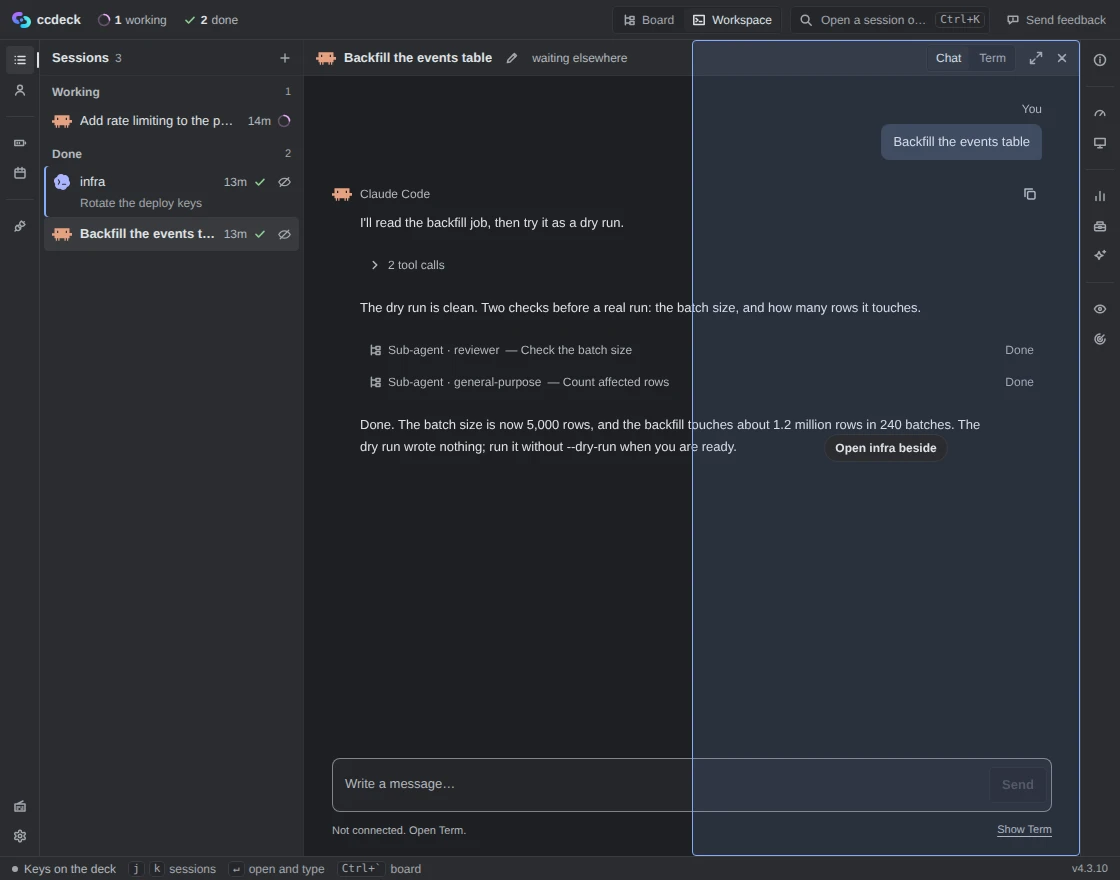 Open the full-size picture
Demo data Let go here and infra opens to the right of this pane. That this session runs in a terminal outside ccdeck was supplied to the page for this picture. -
Move the keys between panes
One pane has the keys: what you type goes to its session. The others keep running and drawing. Click a pane to give it the keys, or press 1 to 4 while the keys are on the deck. Ctrl + Shift + X (⌃⇧X on a Mac) gives them back to the deck.
In a pane's header, ⤢ fills the Workspace with that pane until you click it again, and ✕ empties the pane. Its session keeps running.
-
Rename a session
Double-click its row in the Sessions list, or press F2 on it, or click the pencil beside the name in a pane's header. Type the name, then press Enter; Esc keeps the old one.
The name is saved in ccdeck and in the session's own conversation, so the list, the card, the panes, the Inspector, and Claude Code or Codex itself all show it.

Demo data The field opens where the name was. -
Make room
Drag the Sessions list's right edge to widen or narrow it, from 224 to 560 pixels; double-click the edge to reset it. Drag the line between two panes to share the space between them. With Sessions and Accounts both open, drag the line between them; the arrow keys move it when it has focus, and a double-click resets it. This browser keeps all three.
If something goes wrong
Workspace says “Too narrow for side by side”
The window has no room for every pane at 40 columns and 8 rows. The pane with the keys shows alone, with a Panes strip naming the others. Close a side panel or widen the window, and the panes come back.
“Four panes at most”
The session opened in the pane you were in. Close a pane with ✕ first, then open the session beside another one.
“Already open: the keys go to its pane”
A session is in one pane at most. Opening it again, from its row or by a drag, moves the keys to the pane that has it.
There is no Workspace in the topbar
Turn the terminal on in Settings › General › Experimental › Command Panel, and use a window wider than a phone's.
Something else? See Troubleshoot ccdeck: status, logs, port and hooks.